How to Build an AI Workflow Automation Business Case Without Inventing ROI
A practical method for baselining a workflow, estimating value, pricing risk, and defining a pilot that can produce decision-quality evidence.
Written by Abhay Rana. Updated September 13, 2026. Practical guidance and illustrative examples.
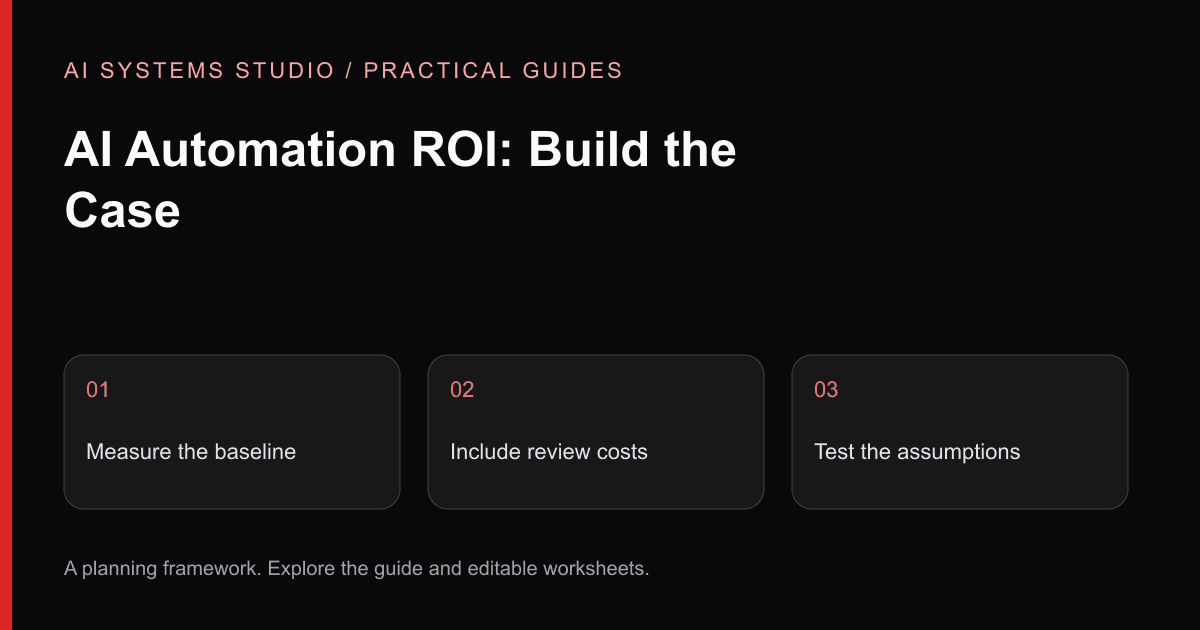
An AI automation proposal is easy to make sound impressive. Multiply a guessed time saving by a guessed hourly rate, subtract a guessed software bill, and the spreadsheet produces an attractive percentage.
That is not a business case. It is a story built from untested assumptions.
A useful business case shows what happens today, which part could change, what the change will cost, how risk is controlled, and what evidence will decide whether to continue.
Start With One Workflow
Do not begin with a department-wide target such as “automate operations.” Choose one repeated flow with a visible trigger and output.
A workable description might be:
That sentence exposes the parts worth measuring:
- Requests arriving per week
- Time spent checking and entering each request
- Percentage returned for missing information
- Percentage routed incorrectly
- Queue time before an owner receives it
- Rework after the first review
The baseline does not need to be perfect. It needs a named source, a stated period, and enough representative examples to support a pilot decision.
Separate Work From Waiting
Elapsed time and handling time are different.
A request may sit in a queue for two days while requiring only twelve minutes of staff work. Automation may reduce queue delay without removing twelve minutes of work, or reduce handling time without changing the queue.
Track both:
| Measure | What it tells you |
|---|---|
| Handling time | Direct effort spent completing the task |
| Queue time | Delay before work begins or resumes |
| Rework time | Effort caused by missing, incorrect, or inconsistent outputs |
| Exception rate | How often the normal path cannot be used |
| Review time | Human effort needed to approve an AI-assisted output |
This prevents a common error: counting every hour between request and completion as labor that automation will save.
Calculate a Range, Not a Promise
Use low, expected, and high scenarios. Keep each input visible.
A simple monthly value model can include:
- 1Eligible monthly volume
- 2Current handling minutes per item
- 3Expected handling minutes during a controlled pilot
- 4Loaded cost per relevant staff hour
- 5Avoided rework or delay cost, only when a defensible method exists
- 6New review, monitoring, provider, and maintenance costs
The core labor-capacity calculation is:
Call this potential capacity value, not cash savings. It becomes a cash saving only if the organization actually changes spending. More often, the value appears as faster response, absorbed growth, reduced backlog, or staff capacity redirected to higher-value work.
Add the Full Cost Side
Model calls are rarely the largest cost in the first version. Include:
- Workflow discovery and implementation
- Data cleanup and integration work
- Authentication and permission design
- Evaluation examples and reviewer time
- Model, OCR, storage, workflow, and monitoring services
- Failure handling and support
- Change management and documentation
- Security, privacy, procurement, or legal review where required
Also state which costs are one-time, usage-based, and recurring. A low API estimate does not make an unreliable workflow economical.
Price the Risk of a Wrong Output
Two workflows with the same volume can justify different architectures.
An incorrect internal category may be cheap to reverse. An incorrect invoice approval, customer commitment, permission change, or regulated decision may be expensive.
For each AI-assisted step, define:
- What could be wrong?
- Who detects it?
- Can it be reversed?
- What happens before detection?
- Which action remains human-approved?
- What evidence is retained for review?
NIST's AI Risk Management Framework describes AI risk management as an ongoing activity across governance, mapping, measurement, and management. That is a useful reminder that a launch checklist is not the end of operating responsibility.
Define the Pilot Decision Before Building
A pilot should produce evidence for a specific decision. Write that decision in advance:
Then define:
- Included input types and systems
- Test-set composition
- Required output fields
- Review and acceptance rubric
- Maximum allowed failure categories
- Human-approval points
- Logging and deletion requirements
- Cost and latency observation method
- Stop conditions
Do not choose a universal accuracy target without first defining what is being measured. Classification, extraction, retrieval, grounded answers, and completed workflow outcomes need different evaluation methods.
Use a Decision Table
At the end of the pilot, classify the result:
| Decision | Evidence |
|---|---|
| Proceed | Quality, risk, adoption, and economics support a bounded production scope |
| Revise | The value case remains plausible, but a specific source, integration, or control needs another test |
| Stop | The workflow is too variable, source data is unsuitable, risk is unacceptable, or value does not cover operating cost |
Stopping can be a successful assessment outcome. It prevents a larger implementation from being justified by sunk cost.
The Business-Case Template
Before requesting a proposal, prepare:
- 1Workflow trigger and owner
- 2Monthly volume and source
- 3Current handling, queue, and rework measures
- 4Representative inputs and expected outputs
- 5Exception categories
- 6Consequential actions and approval requirements
- 7Current systems and access constraints
- 8Low, expected, and high value assumptions
- 9Pilot decision and stop conditions
That information is more valuable than arriving with a preferred model or automation platform.
Request a workflow assessment or check workflow readiness first.
Use an Editable Assumptions Worksheet
Download the ROI worksheet. Replace every input with your own observation. Keep the baseline period, volume, manual handling time, assisted handling time including review, adoption rate, labor-cost assumption, and recurring operating cost visible.
Monthly capacity value = monthly volume × adoption rate × minutes saved per completed item ÷ 60 × hourly cost. Monthly net value subtracts recurring software, hosting, and maintenance costs. Simple payback divides one-time cost by positive monthly net value; if net value is zero or negative, the model has no positive payback. Capacity released is not automatically cash saved. Confirm how the business can actually use it.
Run a conservative case with lower adoption and higher exception handling. Do not count the same benefit as both reduced handling time and reduced rework. Use the sample assessment to see where this worksheet fits in a build decision.
Related Articles
AI Workflow Automation: Seven Back-Office Patterns to Assess
Seven practical patterns for using AI inside controlled workflows, with human review and measurement designed in from the start.
AI Agents vs Workflow Automation: What Should Your Business Build?
A practical decision guide for choosing between deterministic automation, AI-assisted workflows, and autonomous agents without overengineering the problem.
Document Intake Automation Blueprint: From Inbox to Human-Approved Action
A reference architecture for extracting, validating, reviewing, and routing document-heavy requests without giving an AI model uncontrolled authority.
Turn the guidance into a bounded plan
Start with a workflow, representative inputs, a named reviewer, and a measurable baseline. The assessment turns that context into an implementation recommendation.