Document Intake Automation Blueprint: From Inbox to Human-Approved Action
A reference architecture for extracting, validating, reviewing, and routing document-heavy requests without giving an AI model uncontrolled authority.
Written by Abhay Rana. Updated September 13, 2026. Practical guidance and illustrative examples.
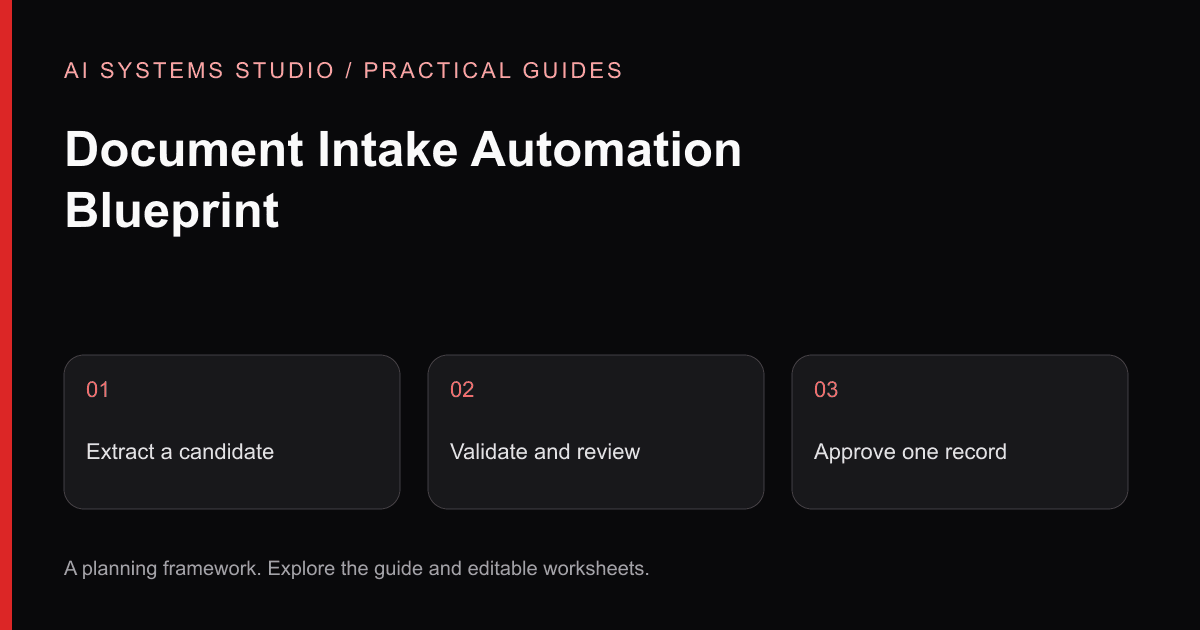
Document intake is a strong AI-assisted workflow candidate because the process is usually repeated and observable, while the inputs are messy enough that rigid templates do not cover every case.
This blueprint is an illustrative architecture. It is not a client case study or a claim about measured savings.
Example Workflow
Imagine an operations team receiving service requests as email text and attachments. A coordinator currently:
- 1Checks whether required information is present
- 2Identifies request type and urgency
- 3Extracts names, dates, references, and requested actions
- 4Creates or updates a system record
- 5Routes the request to an owner
- 6Follows up when information is missing
The automation should not begin by removing the coordinator. It should begin by creating a structured draft and a reliable review queue.
Reference Architecture
1. Controlled intake
Receive messages through an approved mailbox, form, storage location, or API. Record a stable source identifier and processing state so retries do not create duplicate records.
Validate:
- Accepted source and sender rules
- File extension, MIME type, and actual content
- Size and page limits
- Encryption or password-protected files
- Malware-scanning requirements
- Tenant or client association
Do not mark a file ready merely because an upload completed.
2. Extraction
Select the parser by verified file type. Preserve page, section, table, and source metadata where the workflow needs traceability.
OCR may be required for scans, but OCR confidence is not the same as business-field correctness. The workflow should retain the original source and identify fields that require review.
3. Classification and field drafting
Use the model for tasks that benefit from language interpretation:
- Request category
- Proposed priority
- Named entities and dates
- Missing-information checklist
- Short summary
- Proposed destination
Use a strict output schema. Validate types, allowed categories, date formats, and required fields in normal code. A model returning valid JSON has not proved that each value is correct.
4. Deterministic business rules
Keep known rules outside the model:
- Required fields by request type
- Allowed status transitions
- Owner lookup
- Monetary or risk thresholds
- Duplicate checks
- Working-hour or region rules
- Permission checks
This makes the workflow easier to test and prevents prompt wording from becoming hidden business logic.
5. Human review
The reviewer should see:
- Original source
- Extracted fields
- Proposed classification and action
- Missing or uncertain fields
- Relevant policy or rule
- A clear approve, correct, return, or reject control
Capture corrections as evaluation data. Do not silently treat every edit as a model failure; some reveal source ambiguity or a changing business rule.
6. Idempotent action
After approval, create or update the destination record with an idempotency key. If a retry occurs, the integration should recognize that the action already completed.
Separate “draft prepared” from “external action completed.” This keeps provider timeouts from producing false success.
7. Audit and operations
Retain a policy-appropriate trail of:
- Source identifier
- Processing version
- Extracted and approved values
- Reviewer and decision
- Integration result
- Error category
- Relevant timestamps
Avoid logging full documents or sensitive model inputs when they are not required.
Failure Paths to Design First
Test the unhappy paths before expanding volume:
- Empty or corrupt file
- Unsupported format
- Missing required information
- Conflicting values across attachments
- Duplicate request
- Unauthorized source
- Low-evidence classification
- Provider timeout
- Destination API failure
- Reviewer rejection
- A document containing instructions aimed at the model
The OWASP prompt-injection guidance treats external documents as potential carriers of indirect prompt injection. A document-processing model should not gain permission to execute arbitrary actions simply because the document contains imperative language.
Pilot Scope
A useful first pilot can be bounded to:
- One intake channel
- One or two document types
- A small set of request categories
- One destination system
- Draft-only output
- One reviewer group
- A frozen evaluation set
- Synthetic or approved representative data
Define acceptance for extraction, classification, missing-information detection, permissions, duplicate handling, and approval behavior. Observe cost and latency rather than promising them in advance.
What to Measure
Compare the pilot with the baseline:
- Eligible and processed volume
- Handling and review time
- Queue delay
- Field correction rate by field
- Routing correction rate
- Exception and duplicate rate
- Provider and integration failures
- Cost per reviewed item
- Percentage of outputs approved without change
Always publish the definition, sample, and measurement period before turning a result into a claim.
Production Questions
Before broadening access, decide:
- 1Who owns the source channel and categories?
- 2Which data may each provider process?
- 3Where documents, derived data, and logs are retained?
- 4How deletion and access revocation work?
- 5Which actions always require approval?
- 6Who responds when the workflow stops?
- 7How changes are tested against previous examples?
A production workflow is not only a model and connector. It is an operating agreement supported by software.
Explore AI workflow automation or request a bounded assessment.
Walk Through a Working Synthetic Example
The interactive intake demonstration implements the review behavior locally. It uses fixed fixtures instead of a model, so it demonstrates validation and approval rather than extraction accuracy. No document is uploaded and no external record is written.
| Fixture | Expected validation | Reviewer action | Expected destination |
|---|---|---|---|
| SAMPLE-104 | Required amount exists; reference is new | Confirm source, then approve | One simulated record |
| SAMPLE-105 | Amount missing | Use the fictional source-owner confirmation of 2,100 USD, then approve | One corrected simulated record |
| SAMPLE-103 | Reference already exists | Reject duplicate | No new record |
Download the synthetic fixtures and run each path. The UI prevents approval while a required amount is invalid, while a duplicate is present, or before the reviewer confirms the source. Editing the amount clears the previous confirmation. These checks are covered by local verification; production access controls and durable idempotency would need separate server-side tests.
For a real pilot, collect permitted examples of missing fields, repeated files, conflicting amounts, and changed source documents. Agree the expected outcome before choosing an extractor. Track extraction quality separately from successful delivery: a valid JSON object can still contain the wrong business value.
Related Articles
How to Build an AI Workflow Automation Business Case Without Inventing ROI
A practical method for baselining a workflow, estimating value, pricing risk, and defining a pilot that can produce decision-quality evidence.
AI Workflow Automation: Seven Back-Office Patterns to Assess
Seven practical patterns for using AI inside controlled workflows, with human review and measurement designed in from the start.
AI Agent Permissions Checklist: Roles, Approvals & Audit Logs
A practical security guide for teams connecting AI agents to company data and actions, covering prompt injection, least privilege, approvals, validation, and monitoring.
Turn the guidance into a bounded plan
Start with a workflow, representative inputs, a named reviewer, and a measurable baseline. The assessment turns that context into an implementation recommendation.