Why AI Chatbots Fail in Production—and How to Design the Handoff
A production checklist for source grounding, boundaries, escalation, permissions, observability, and measurable outcomes.
Written by Abhay Rana. Updated September 13, 2026. Practical guidance and illustrative examples.
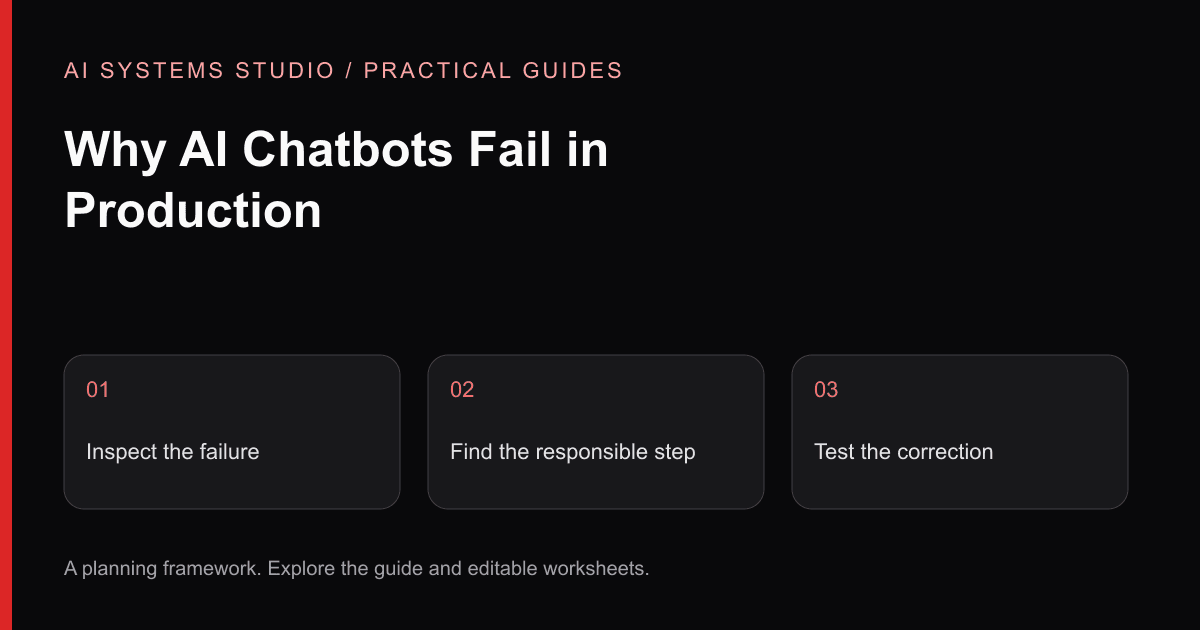
Many chatbot pilots fail because the team evaluates a prompt demo instead of an operational system. Production quality depends on the knowledge source, escalation path, permissions, logging, and ownership surrounding the model.
The Scope Is Too Broad
“Answer anything about the company” is not a testable requirement. Start with a bounded job: retrieve an approved policy, qualify a specific inbound request, or draft answers for a defined support queue.
There Is No Source Contract
Write down which sources the assistant may use, how freshness is determined, and what it must do when evidence is missing. For factual business answers, show citations or retain traceable references for review.
The Handoff Is an Afterthought
Define escalation before launch. Useful triggers can include low evidence, sensitive topics, negative sentiment, account changes, policy exceptions, or requests outside the approved scope. The handoff should preserve the conversation and state what the model could not establish.
Permissions Are Hidden in the Prompt
A prompt is not an authorization system. Enforce identity, tenant, and resource access in the retrieval and tool layers. Separate read operations from consequential writes, and require approval where a mistaken action would matter.
Nobody Owns Quality
Assign an owner to review failed-answer themes, source gaps, escalations, cost, latency, and user feedback. Choose measures that match the workflow rather than promising a universal “accuracy” number.
Production Checklist
- 1A named audience and bounded job
- 2Approved sources with an update owner
- 3Permission checks outside the model
- 4Safe fallback and human handoff
- 5A representative evaluation set
- 6Logs that respect data policy
- 7Cost and latency budgets
- 8A post-launch review cadence
Start With a Drafting Copilot
When risk is meaningful, begin with draft mode. Let the system retrieve, classify, or prepare a response while a person approves the result. Earn broader automation through observed evidence.
Review the copilot capability or request a workflow assessment.
Diagnose the Failure Before Changing the Prompt
A fluent answer is not evidence that the system retrieved the correct source, respected access rules, or helped the user finish the task. Investigate one failed interaction across the full path before changing model settings.
| Observed problem | First check | Candidate correction |
|---|---|---|
| Confident answer with no support | Retrieved passages and source version | Require source support and an explicit no-answer state |
| Correct answer from an old policy | Ingestion and update history | Assign freshness ownership and remove obsolete content |
| Restricted material appears | User identity, retrieval filtering and cache scope | Enforce permission checks before context construction |
| Users keep asking a person instead | Real user task and handoff options | Place the assistant in the existing workflow and retain escalation |
| Tool call succeeds but record is wrong | Destination, candidate and approval reference | Validate the exact action before writing |
A Synthetic Failure Review
Imagine an assistant tells a coordinator that every request can be approved immediately. The approved source actually says a manager must review exceptions. Inspect the retrieved passage: if the exception section was absent, the issue begins in retrieval. If it was present but ignored, evaluate generation and output checks. If the source itself was outdated, the content maintenance process needs repair. These are different failures with different owners.
Record the question, permitted source version, expected answer, actual result, failure category, and owner. Use synthetic or appropriately protected examples in shared review notes. Add the repaired case to a regression set, then test neighboring cases so that one fix does not hide another failure.
Set a Release Gate
Agree which failures stop release. Unauthorized disclosure and unapproved consequential writes should stop the pilot. For ordinary answer quality, select thresholds from the task's risks and a representative evaluation set. Track no-answer behavior and source validity separately from positive user feedback. A thumbs-up alone does not establish factual correctness.
The OWASP LLM project describes relevant security risks. Microsoft's RAG overview explains the source-retrieval architecture. Our diagnostic table is a practical review framework derived from these concerns, not a universal benchmark.
Use the RAG evaluation checklist or discuss a bounded copilot review.
Related Articles
Private AI Knowledge Base: A Practical RAG Implementation Guide
How to scope sources, permissions, retrieval, citations, evaluation, and ownership before building an internal AI knowledge system.
AI Agent Permissions Checklist: Roles, Approvals & Audit Logs
A practical security guide for teams connecting AI agents to company data and actions, covering prompt injection, least privilege, approvals, validation, and monitoring.
AI Workflow Automation: Seven Back-Office Patterns to Assess
Seven practical patterns for using AI inside controlled workflows, with human review and measurement designed in from the start.
Turn the guidance into a bounded plan
Start with a workflow, representative inputs, a named reviewer, and a measurable baseline. The assessment turns that context into an implementation recommendation.